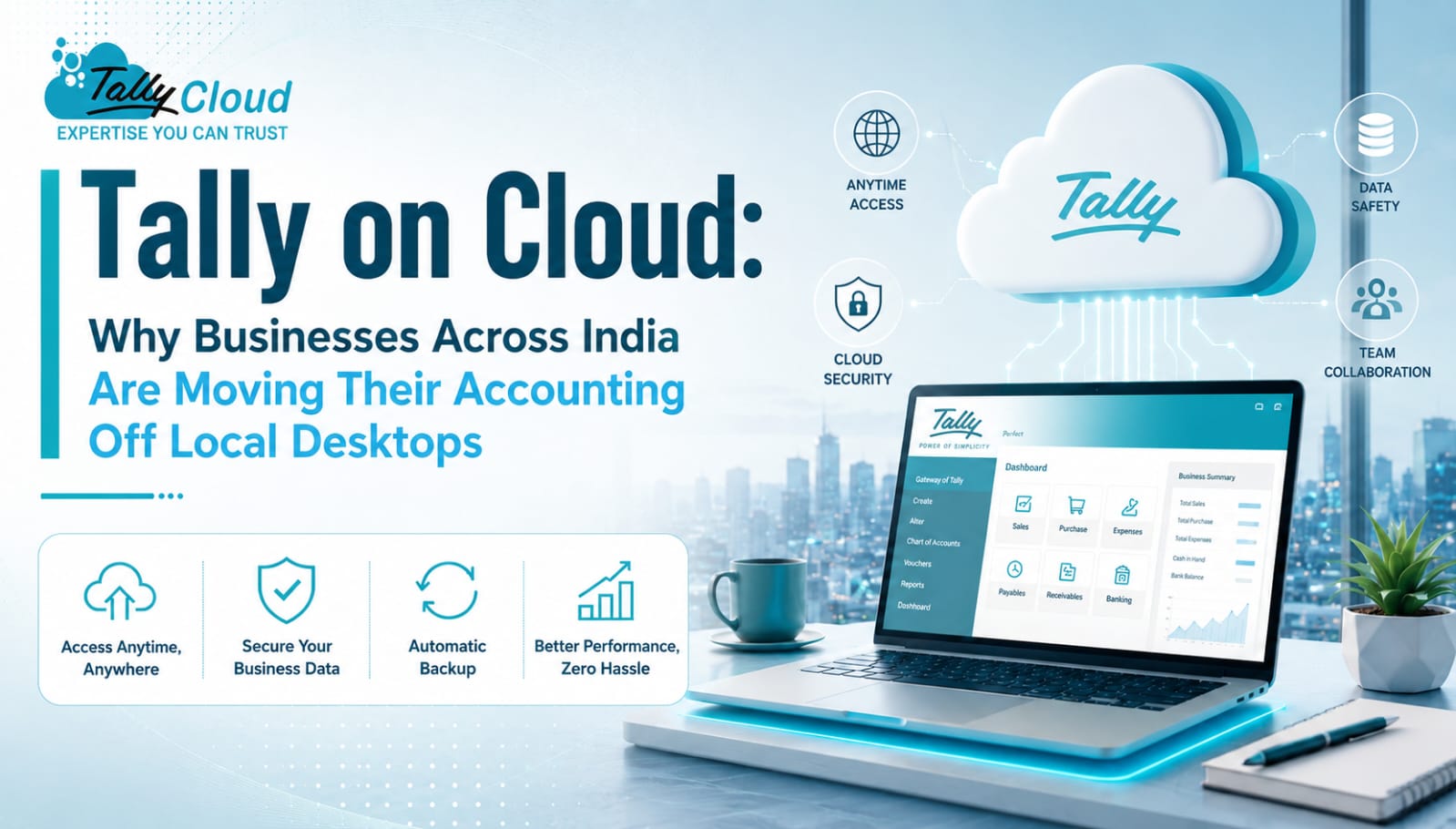
For years, Tally has sat on a single office PC — accessible only from that machine, vulnerable to hardware crashes, and useless the moment you’re traveling or working from a second location. Tally on Cloud fixes that fundamental limitation by moving the same familiar Tally application onto secure remote servers, accessible from any device, anywhere, without changing how your team actually works in Tally.
Here’s what Tally on Cloud actually is, and why it’s become the default choice for growing businesses.
What Is Tally on Cloud?
Tally on Cloud hosts the Tally application on virtual machines in a Tier-3 data center. Instead of running Tally locally, users connect to their Tally instance remotely using RDP (Remote Desktop Protocol) — the interface looks and works exactly like the desktop version, but the software and your data live on secure, professionally managed servers instead of a single office computer.
This means your accounting data is no longer tied to one PC, one location, or one point of failure.
Why Businesses Are Making the Switch
1. True Anywhere, Anytime Access Whether you’re checking ledgers from home, printing a report while traveling, or letting your CA access company books remotely, Tally on Cloud removes the “you have to be at that one PC” limitation entirely. Access works from Windows, Mac, tablets, or mobile devices.
2. No More Fear of Local Data Loss A crashed hard drive or a corrupted local file used to mean lost data and lost time. With cloud hosting, automated daily backups and Tier-3 data center infrastructure mean your books are protected independent of what happens to any single office machine.
3. Real Multi-User Collaboration Multiple team members — or multiple branches — can work on the same company data simultaneously in real time, without the manual file-sharing and syncing that on-premise Tally setups require.
4. Lower Total Cost Than Maintaining Servers Buying and maintaining a physical server, plus the IT overhead to manage it, adds up fast. Cloud subscription pricing replaces that upfront hardware investment with a predictable monthly cost — while still giving you enterprise-grade infrastructure.
5. Scales With Your Business Adding a new user or increasing compute resources typically takes hours, not a hardware procurement cycle. As your organization grows, your Tally Cloud setup grows with it.
Tally Cloud vs. Tally Shared Hosting vs. Tally VPS
It’s worth understanding the difference between hosting types before choosing a plan:
- Shared Tally Cloud — multiple Tally instances share the same server resources (CPU, RAM, disk). It’s the most affordable entry point, suited for small, single-user setups with lighter usage.
- Tally VPS — each user gets dedicated, isolated resources (vCPU, RAM, SSD) on a virtual private server. This offers better performance consistency, more control, and stronger security isolation — ideal for medium-scale organizations or businesses running heavier, multi-user operations.
- Tally Dedicated Server — an entire physical server reserved exclusively for your organization, suited for larger businesses with heavy concurrent usage or compliance requirements.
The right choice generally comes down to team size and how resource-intensive your day-to-day Tally usage is.
What to Check Before Choosing a Provider
- Uptime SLA — look for 99.95% or higher
- Backup frequency — daily automated backups should be standard, not an add-on
- Data center tier — Tier-3 datacenters offer better redundancy and reliability
- License requirements — most cloud providers require you to bring your own valid Tally license (single-user or multi-user Gold license, depending on your team size)
- Security practices — encryption, firewalls, and restricted support-staff access to your actual data
- Support responsiveness — accounting can’t wait; check what support hours and response times are guaranteed
Common Questions Businesses Ask
Do I need my own Tally license? Yes — Tally on Cloud hosts the application but doesn’t include the license itself. A single-user license supports one concurrent user; a multi-user (Gold) license is required for simultaneous multi-user access.
Is cloud-hosted Tally actually secure? When hosted in a properly secured Linux environment with encrypted connections, restricted access controls, and daily backups, cloud hosting is generally more secure than a single office PC with no dedicated backup strategy.
Can I access it from my phone? Yes, via RDP client apps available on Android, iOS, and Windows.
Final Thoughts
Tally on Cloud isn’t a different accounting tool — it’s the same Tally your team already knows, just freed from the constraints of a single desktop. For businesses juggling multiple branches, remote teams, or simply wanting protection against local data loss, moving to the cloud removes real operational risk while actually reducing long-term infrastructure costs.
Plans typically start around ₹199/month for single-user shared cloud access, with VPS and dedicated server tiers available as your team and data needs grow.
Ready to move your accounting to the cloud? Explore Tally on Cloud plans and get started with a free trial.