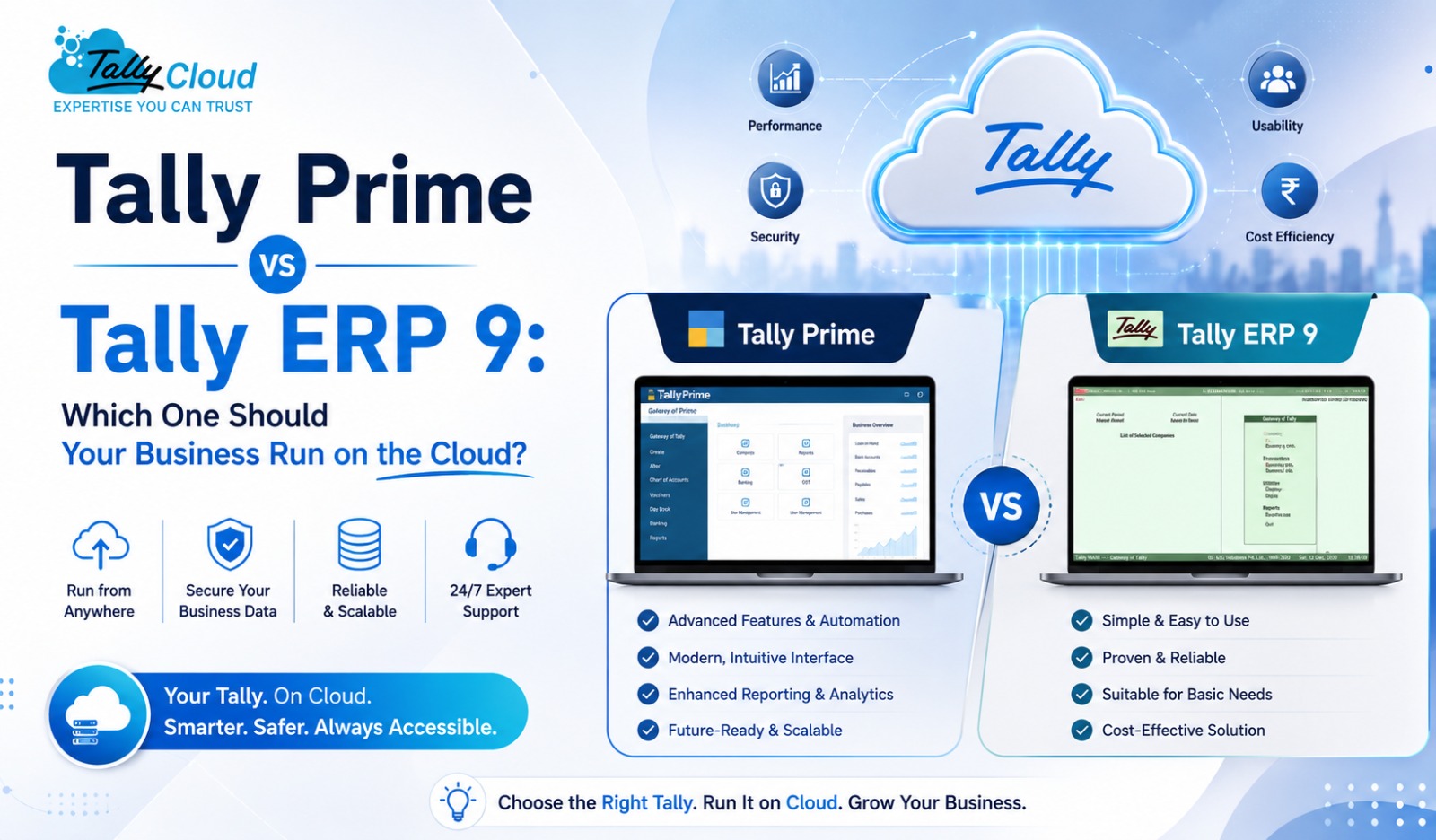
Tally Prime vs Tally ERP 9: Which One Should Your Business Run on the Cloud?
If your business runs its accounting on Tally, you’ve likely faced this exact question — should you stick with the familiar Tally ERP 9, or move to Tally Prime? Both are genuine, widely used accounting solutions, and both work seamlessly when hosted on the cloud. Understanding the difference between the two, and why hosting either one on the cloud makes daily operations easier, can help you make the right call for your business.
Tally ERP 9 vs Tally Prime: What’s the Real Difference?
Tally ERP 9 has been the backbone of small and medium business accounting in India for over a decade. It’s stable, familiar to most accountants, and handles core functions — billing, inventory, GST compliance, and financial reporting — reliably.
Tally Prime is the newer generation of the same software, built on the same underlying accounting engine but with a redesigned interface, simplified navigation (the “Go To” feature replaces multiple nested menus), improved multi-tasking across company data, and a more intuitive reporting experience. For businesses onboarding new staff or wanting faster report access, Tally Prime often reduces the learning curve significantly.
Functionally, both handle GST, inventory, payroll, and financial statements. The core difference is in usability and how quickly your team can navigate day-to-day tasks — Tally Prime is generally faster to work in once your team adjusts to the new layout.
Why Run Tally Prime or Tally ERP 9 on the Cloud?
Whichever version your business uses, hosting it on the cloud solves the same fundamental limitations of running it locally on one office PC.
1. Access From Anywhere Whether you’re using Tally Prime or Tally ERP 9, cloud hosting means your accountant, your CA, or your branch offices can log in remotely via RDP — from home, while traveling, or from a different city entirely — without needing to be physically present at the office computer.
2. No Risk of Local Data Loss A crashed hard drive or a corrupted local file has historically been one of the biggest risks for businesses running Tally on a single desktop. Cloud hosting in a Tier-3 data center comes with automated daily backups, so your Tally Prime or Tally ERP 9 data stays protected independent of what happens to any single machine.
3. Real Multi-User Collaboration Both Tally Prime and Tally ERP 9 support multi-user access with the right license, but doing this locally usually means complex network setups. On the cloud, multiple users — across departments or branches — can work on the same company data simultaneously without extra IT overhead.
4. Lower Cost Than Maintaining Local Servers Instead of investing in a physical server and the IT staff to maintain it, cloud hosting for Tally Prime or Tally ERP 9 comes as a predictable monthly subscription, with the hosting provider handling infrastructure, security, and uptime.
5. Easy to Scale as You Grow As your business grows and you add users or need more processing power, cloud-hosted Tally scales without requiring you to buy new hardware or migrate your existing data.
Should You Upgrade from Tally ERP 9 to Tally Prime?
If you’re already comfortable with Tally ERP 9 and it handles your current needs well, there’s no urgent requirement to switch — both versions remain fully supported and functional. However, businesses that are:
- Onboarding new accounting staff frequently
- Managing multiple companies or a growing volume of transactions
- Looking for faster report generation and easier navigation
…often find Tally Prime worth the transition, especially since moving to Tally Prime on the cloud doesn’t require any additional hardware investment — the hosting provider manages the upgrade on their end.
Choosing the Right Cloud Hosting Plan
Whether you choose Tally Prime or Tally ERP 9, the hosting tier you need depends on your team size and usage:
- Shared Cloud Hosting — the most affordable entry point, suited for single-user or light usage setups
- Tally VPS — dedicated, isolated resources for medium-scale businesses needing consistent performance and stronger data isolation
- Dedicated Server Hosting — for larger organizations with heavy concurrent usage or specific compliance requirements
What to Check Before You Host Tally Prime or Tally ERP 9 on the Cloud
- Uptime SLA — look for 99.95% or higher, since accounting access can’t afford frequent downtime
- Backup frequency — daily automated backups should be standard
- License requirements — you’ll need your own valid Tally license (single-user or multi-user Gold), as hosting providers host the application, not the license itself
- Data security practices — encryption, restricted access, and secure RDP connections
- Support availability — accounting deadlines don’t wait, so check response times before committing
Final Thoughts
Whether your business runs on Tally ERP 9 or has already moved to Tally Prime, hosting it on the cloud removes the single biggest risk of desktop-based accounting — dependence on one office PC. You get anywhere access, automated backups, real multi-user collaboration, and predictable costs, all while keeping the same Tally interface your team already knows.
Ready to move your Tally Prime or Tally ERP 9 setup to the cloud? Explore hosting plans at TallyCloud.net starting at ₹199/month, with a free trial to get started.