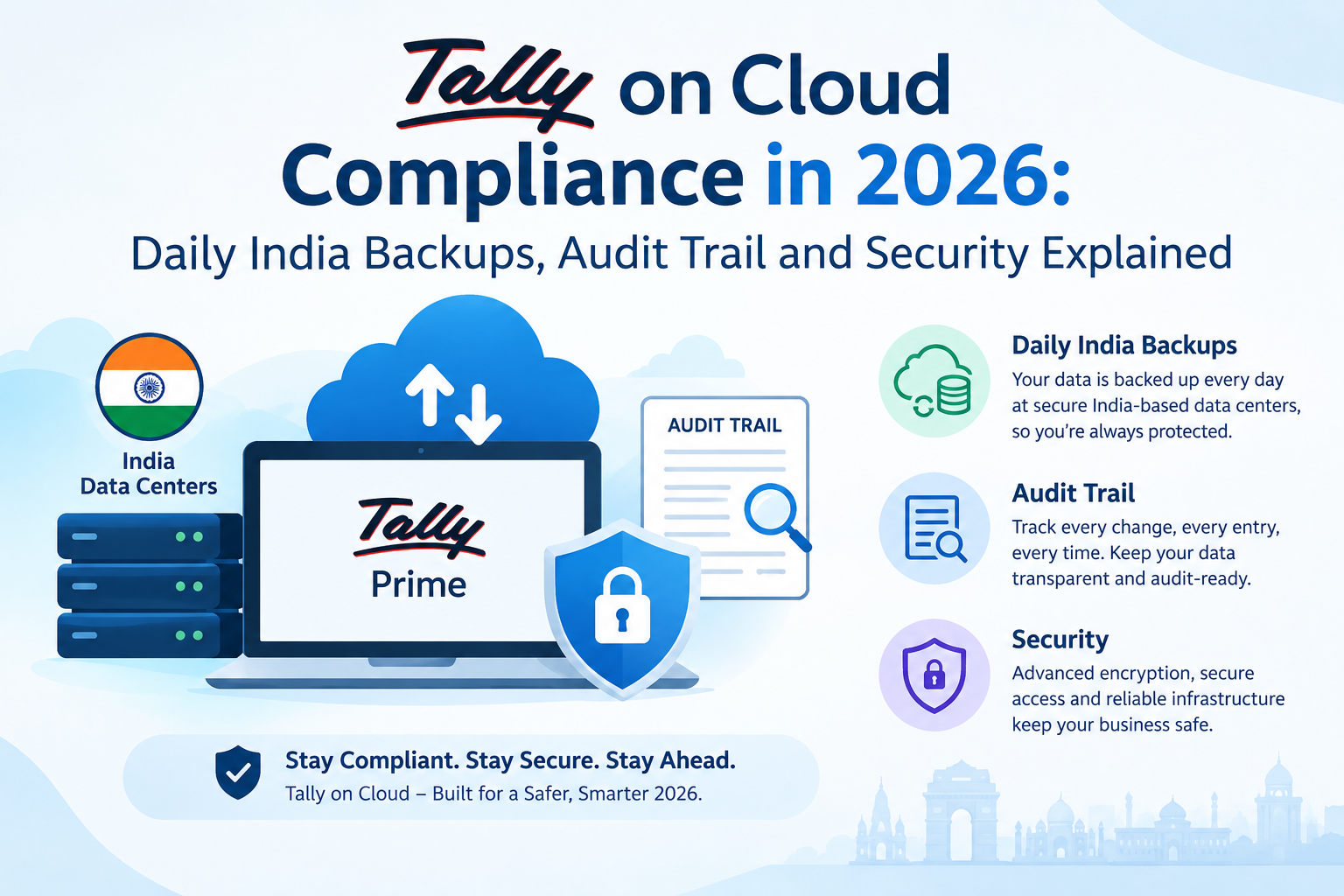
Since 1 April 2026, Rule 46(8) of the Income-tax Rules requires businesses and professionals who keep electronic books to take a backup at the close of every business day and store it on a server physically located in India. Tally on Cloud helps you meet this when your provider hosts your data in India and backs it up automatically every day. Companies must also keep Tally’s Edit Log (audit trail) switched on.
For most Indian businesses, Tally has always been a desktop habit: one office PC, a pen drive backup “whenever someone remembers”, and a CA who asks for the data file at year-end. That habit is now a compliance problem.
Two things changed this year. The new income-tax rules made daily India-based backups a legal requirement for a far wider group of taxpayers than before, and your auditor now has to report where your books and backups physically sit. And from 16 August 2026, Tally Solutions stopped TSS for Tally.ERP 9 licences, so ERP 9 users no longer receive updates.
This guide explains exactly what the rules require, where a desktop setup falls short, what Tally on Cloud does and does not solve for you, and the questions to put to any provider before you trust them with your books.
We host Tally for businesses across India every day, so the practical sections below come from setting up and running these environments, not from reading about them.
This article explains regulations in plain language. It is not tax or legal advice — confirm how these rules apply to your business with your Chartered Accountant.
What Changed in 2026: Rule 46(8) Explained
The Income-tax Act, 2025 replaced the 1961 Act, and its accompanying Income-tax Rules, 2026 took effect for the tax year starting 1 April 2026. Rule 46 governs how books of account are maintained. Sub-rule (8) is the part that affects anyone using Tally.
What the rule requires
| Requirement | What it means in practice |
|---|---|
| Books accessible in India | Your electronic books must be accessible within India at all times |
| Daily backup | A backup must be taken at the close of each business day. Monday’s backup does not cover Tuesday — occasional or irregular backups do not satisfy it, however frequent |
| India-based storage | The backup must sit on a server physically located in India |
Your primary data can technically live anywhere. The daily backup cannot.
Who it applies to
The rule covers persons required to maintain books of account under Section 62 of the Income-tax Act, 2025, and those liable for tax audit under Section 63. In practice that includes companies, LLPs, partnership firms, and proprietors and professionals above the prescribed income or turnover thresholds — which is a large share of Tally’s user base.
This is the significant change. A similar daily-backup requirement has applied to companies since 2022 under company law. Rule 46(8) extends the same discipline to proprietorships, firms and professionals who were never covered before.
What your auditor now reports
The tax audit report has been redesigned as Form No. 26, replacing Forms 3CA, 3CB and 3CD. It asks for the accounting software you use, the server IP address, the country where data is stored, the address of your India-based backup server, and a yes-or-no confirmation of Rule 46(8) compliance.
That last point matters more than it looks. Your CA cannot simply tick “yes”. They need evidence of where your data sits and that backups actually ran every day.
Penalties
Failure to maintain books as required can attract a penalty of up to ₹25,000 under Section 441, and an auditor who certifies incorrect details faces a separate ₹10,000 penalty. Tax practitioners point out that the larger risks are indirect: best-judgment assessments, extra scrutiny, and your electronic records being challenged as evidence.
Most practitioners, and Tally Solutions itself, read the rule this way. A minority read the rule text more narrowly, which is one more reason to confirm your specific position with your CA rather than assume.
The Rules That Already Applied to Companies
If you run a company, two company-law requirements have applied for a while and still sit alongside Rule 46(8).
Daily backup on Indian servers. The Companies (Accounts) Rules require the backup of books maintained electronically — including books kept outside India — to be stored on servers physically located in India on a daily basis. Companies must also inform the Registrar each year of the service provider’s name, IP address and location, and where books are kept on the cloud, the address given by the provider.
Audit trail (Edit Log). Since 1 April 2023, every company using accounting software must use software that records an audit trail of every transaction, logs each change with its date, and cannot have that trail disabled. In Tally, this is the Edit Log capability — available as the TallyPrime Edit Log edition. Standard TallyPrime ships with Edit Log switched off, so companies need to make sure they are running the Edit Log version.
Retention still applies too. Companies must preserve books for eight years under the Companies Act, and GST records must be kept for 72 months from the due date of the annual return. Whatever backup arrangement you choose has to hold data for at least that long.
Why a Desktop Tally Setup Struggles to Comply
The problem is rarely that businesses refuse to back up. It is that a desktop setup makes daily, India-based, provable backups genuinely hard.
- Manual backups get skipped. A pen drive or external disk backup depends on one person remembering, every working day, including the busy ones at month-end.
- Consumer cloud sync may store data abroad. Syncing your Tally data folder to a personal cloud drive can place copies on servers outside India. Unless you have confirmed the storage location, you cannot certify it.
- There is no evidence trail. When your CA asks you to demonstrate a year of daily backups for Form No. 26, a drawer of pen drives is not proof.
- The single PC is the single point of failure. Hardware failure, theft or ransomware on the office machine can take both the live data and the most recent local backup with it.
None of this means desktop Tally is non-compliant by definition. It means compliance depends on discipline that most small teams cannot sustain every single day.
How Tally on Cloud Helps — and What It Does Not Do for You
Tally on Cloud means TallyPrime runs on a server in a data centre, and your team connects to it remotely from any device. Done properly, that changes the compliance picture considerably.
| Requirement | Typical desktop setup | Tally on Cloud, hosted in India |
|---|---|---|
| Books accessible in India | Yes, on the office PC | Yes, on an India-hosted server |
| Backup at close of every business day | Depends on someone remembering | Automated on a schedule |
| Backup stored in India | Often unverified | Confirmed by the provider in writing |
| Evidence for your CA | Rarely available | Backup logs and server location details |
| Survives hardware failure or theft | Usually not | Data sits off-site in a data centre |
| Audit trail (Edit Log) | Must be enabled | Must still be enabled — hosting does not do this for you |
What it does not do for you
Being honest about the limits is part of getting compliance right:
- It does not switch on Edit Log. If you are a company, you still need the TallyPrime Edit Log edition running. Hosting changes where Tally runs, not how it is configured.
- It does not replace your licence obligations. You still need a valid TallyPrime licence, and an active TSS to receive releases and statutory updates.
- It does not certify anything. Your CA still signs Form No. 26. Your provider’s job is to give them accurate evidence.
- It does not set retention for you. Confirm how long backups are kept, and keep your own periodic copy if the provider’s retention is shorter than your legal requirement.
Is Tally on Cloud Safe?
It is a fair question, because moving your books off the office PC means trusting someone else’s infrastructure. The honest answer: a well-run Tally cloud is considerably safer than a typical office PC, and a badly run one is not.
Most Tally on Cloud services use Remote Desktop Protocol (RDP) to connect you to the server. RDP is reliable, and it is also one of the most common routes attackers use to reach business systems when it is left exposed without protection. The difference between safe and unsafe hosting is mostly in how access is controlled.
What a well-run provider should have in place:
- Access restricted rather than open to the whole internet — through IP allowlisting, a secured gateway, or equivalent controls
- Strong password policies and account lockout after repeated failed logins
- Multi-factor authentication for logins
- Encrypted connections between your device and the server
- Each customer’s data isolated from other customers’
- Operating system and security patches applied promptly
- Backups stored separately from the live server, so a compromised server cannot encrypt its own backups
What stays your responsibility:
- Give each user their own login — never share one account across the office
- Remove access the day an employee leaves
- Keep the devices your team connects from updated and protected
- Use Tally’s own user roles and security controls to limit who can alter what
Licensing on the Cloud: Silver, Gold, TSS and Edit Log
Moving to the cloud does not change what licence you need. It just makes the rules more visible.
| Item | What you need to know |
|---|---|
| Silver | Single-user licence — one person using Tally at a time |
| Gold | Multi-user licence — required when more than one person needs to work at the same time |
| TSS | Needed to upgrade to new releases such as TallyPrime 7.0 and to use connected services |
| Edit Log edition | The audit-trail version companies need to meet the 2023 requirement |
| Tally.ERP 9 | TSS discontinued from 16 August 2026 — no further updates |
If you are still on Tally.ERP 9, this is the moment to plan your move to TallyPrime. Running unsupported software for statutory accounting is a risk you do not need, and the Edit Log edition built for the company-law requirement is a TallyPrime product. See our comparison of Tally Prime vs Tally ERP 9 for the practical differences.
A note on TallyPrime 7.0’s Auto Backup. Release 7.0, launched in December 2025, added scheduled Auto Backup to TallyDrive or local storage that runs even when TallyPrime is closed. It is a genuinely useful feature. For Rule 46(8) purposes, the same question applies to it as to any backup: confirm in writing where the backup is physically stored.
That test applies to every option — Tally’s own TallyPrime Cloud Access, a hosting provider like us, or a server you manage yourself. The rule cares about where your backup sits, not whose name is on the service.
What to Ask Any Tally on Cloud Provider
Put these to any provider before you move your books — including us. A provider that runs a serious service will answer every one of them in writing.
- Where is the server physically located? City and data centre, not just “India” or “secure cloud”.
- Where are backups stored? Same facility, a second Indian site, or somewhere else?
- How often do backups run, and are they automatic? You need at least one at the close of every business day, without anyone pressing a button.
- How long are backups retained? Compare against your eight-year (companies) and 72-month (GST) obligations.
- Can you give my CA the server IP and backup server address? Form No. 26 asks for exactly this.
- Can I see backup logs? Evidence that backups ran is what makes them defensible.
- How is remote access secured? Ask specifically about access restriction and multi-factor authentication.
- Can your support staff see my Tally data? The answer should be clear and should match their written policy.
- Do you support the TallyPrime Edit Log edition?
- What is the uptime commitment, and what happens if you miss it? Look for a written SLA.
- How do I get my data out if I leave? You should be able to download your full data at any time.
Common Mistakes
- Assuming “cloud” means compliant. Rule 46(8) is about the physical location of the backup. A cloud backup stored abroad does not satisfy it.
- Backing up weekly because “it’s frequent enough”. The rule is close of every business day. Frequency short of that does not count.
- Sharing one Tally login across the office. It weakens security and undermines the audit trail, because every change looks like it came from the same person.
- Companies running standard TallyPrime without Edit Log. Hosting does not enable it. Check which edition you are on.
- Staying on Tally.ERP 9 after TSS ended. No updates means no new statutory changes.
- Not telling your CA until audit season. Your auditor needs server location and backup evidence for Form No. 26. Give it to them early.
- Choosing a provider on price alone. Ask where the backups sit before you ask what it costs.
How We Handle This at Tally Cloud
We host TallyPrime on servers in India, with daily backups included on our plans, so your books and their backups stay inside the country the rules require.
In practice that means:
- India-hosted servers in a Tier 3 data centre
- Daily backups included as standard on our plans
- Fully managed — we handle the server, the operating system and the backups; you handle your accounts
- Access from anywhere on Windows, Mac, Android or iOS through a secure remote desktop connection, with printing to your local printer
- Plans for every size — from single-user cloud for a proprietor, to a dedicated Tally VPS for a growing team, to a Tally dedicated server for multi-branch businesses
- Licence included if you need one, through our Tally Cloud with Licence plan
If your CA needs server location details for your tax audit report, ask our team and we will help you get what they need.